
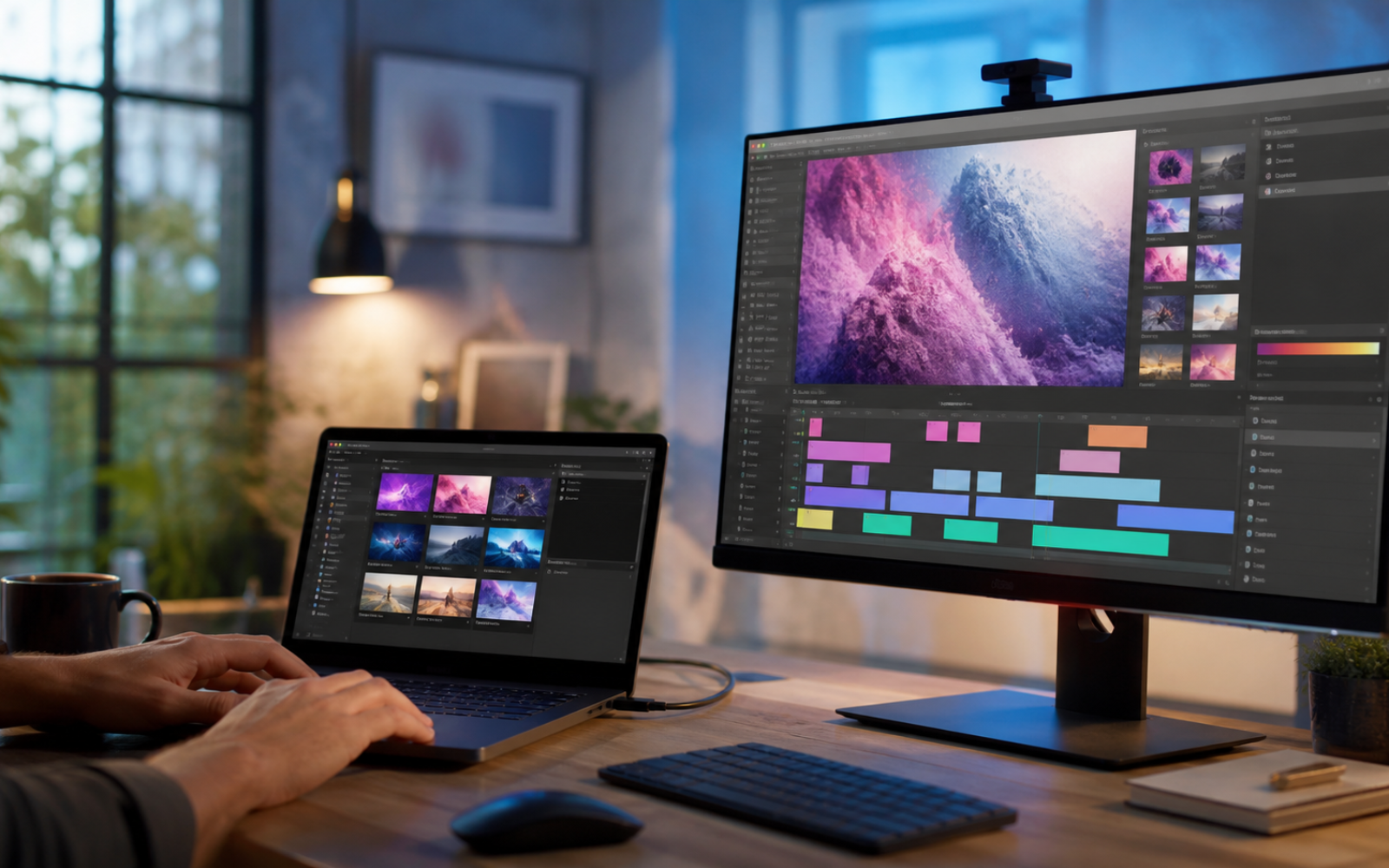
Google Pics and Vids Move AI Creation Into the Everyday Workspace
Generative AI has never struggled to make a dramatic first impression. The harder problem begins five minutes later: moving the result into a presentation, correcting one awkward detail, collecting feedback and producing the six variations that real work demands. Google’s new Pics app and its latest upgrades to Vids are aimed squarely at that less glamorous part of the process.
Pics is a collaborative image-creation workspace that can also appear inside Slides, Docs and Drive. Vids, meanwhile, is gaining a more conversational way to generate and revise video, plus personal avatars for eligible users. Together, the releases suggest a meaningful shift. AI media is becoming less like a separate destination and more like a layer inside familiar office software.
That does not mean every campaign can now be made with one prompt. It means the distance between an idea, a rough visual and a reviewable draft is getting shorter. For small teams, educators and solo creators, that may matter more than another spectacular demo.
What Google Pics is designed to do
Google introduced Pics on September 1 as a standalone app and an integrated tool for parts of Workspace. The company says users can generate several options at once, separate objects within an image, edit or translate text that appears inside a visual, and leave targeted comments on particular elements. Because the work can remain in a shared environment, a teammate can respond to the same canvas instead of passing flattened files back and forth.
The object-level tools are especially relevant. A common frustration with image generators is that a small revision—changing a jacket color, moving a product or fixing a line of text—can cause the entire composition to change. Pics is built around selecting and modifying the part that needs attention. In practice, the quality will still depend on the source image and the model’s interpretation, but the interaction is closer to ordinary editing than repeated prompt roulette.
Availability is not universal. Google’s help documentation says Pics is intended for desktop use and requires an eligible Google AI or Workspace plan. Language, region and account restrictions can also apply. If the app does not appear in a Workspace account, an administrator or plan setting may be the reason.
Vids is moving from generation to direction
Google Vids already offered AI-assisted video creation. Its newer Gemini Omni workflow expands the idea by accepting text instructions alongside image references and allowing step-by-step changes. Google’s examples include adjustments to lighting, backgrounds, visual effects and the sequence of a clip. This is closer to directing a draft through conversation than generating a single video and accepting whatever arrives.
The other notable addition is the personal avatar. Eligible users can create one from a selfie and a voice sample, then use it to deliver scripted video. Google says AI-generated output includes SynthID, its invisible watermarking system. Personal avatars are restricted by plan, region and age, and the company’s Workspace help pages note that administrators can control access to Vids for work and school accounts.
These safeguards are not a minor footnote. A realistic avatar carries a different risk from a generic illustration. Teams should decide who can create one, where it may appear, how consent is recorded and whether viewers will be clearly told that the presenter is synthetic. An invisible watermark may assist technical detection, but visible disclosure is what helps an ordinary viewer understand what they are watching.
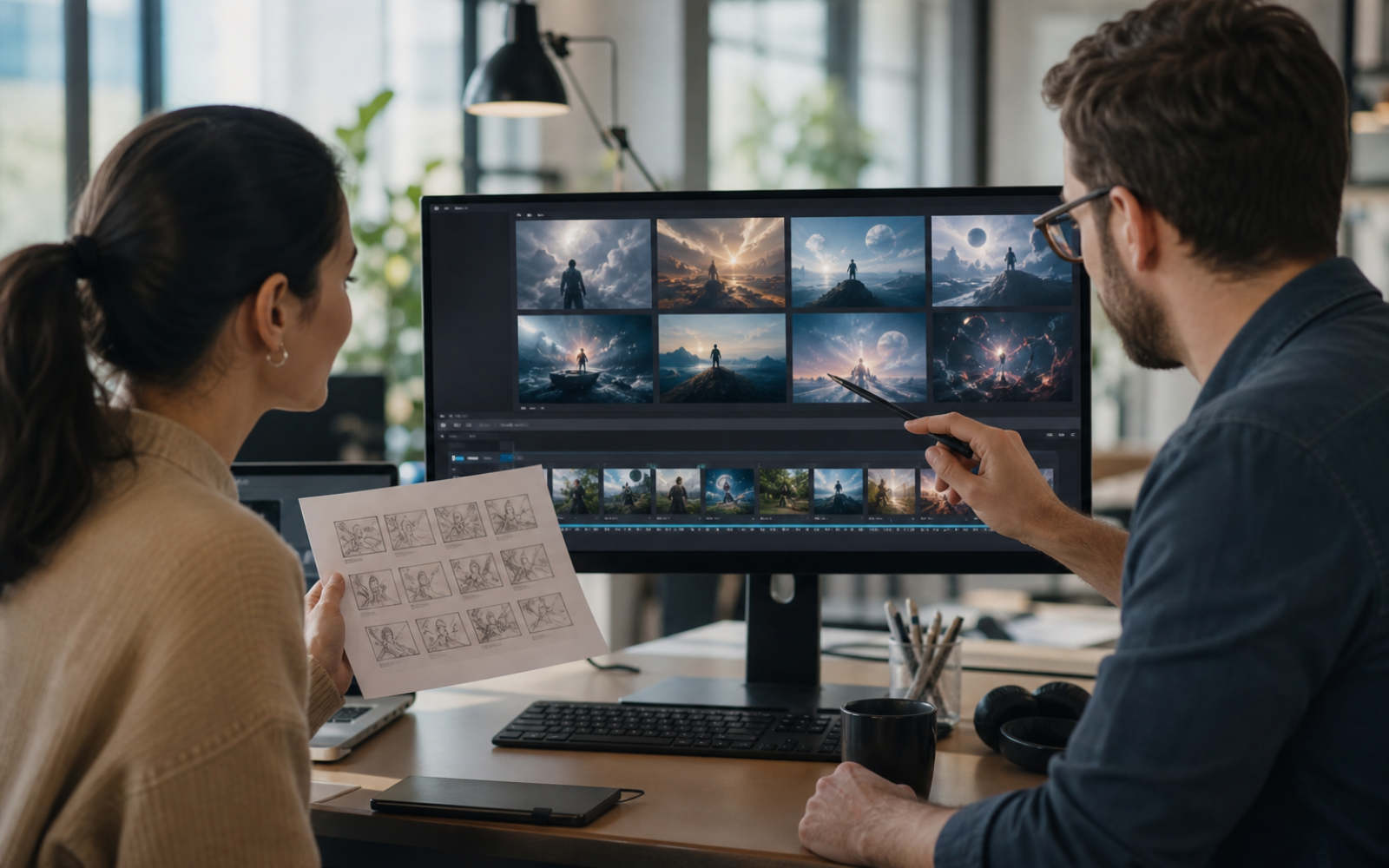
Why embedded creative AI matters
The obvious benefit is less context switching. A product manager can draft a launch brief in Docs, create a concept visual without leaving the document and bring the strongest option into Slides. A communications team can turn an approved message into a short internal video while comments and source material remain nearby. The tools do not eliminate specialist software, but they may remove several handoffs before specialist work is needed.
The second benefit is shared iteration. Generative tools are often treated as solitary: one person prompts, downloads and sends a result. Collaboration changes the quality bar because reviewers can point to a specific object, line of text or scene instead of offering vague feedback about the whole asset. The software becomes useful not only for making media but also for agreeing on what the media should be.
There is also a subtle accessibility advantage. Someone who can explain an idea clearly but cannot operate a complex editing timeline may still be able to assemble a credible first draft. That expands who can participate in visual work. It does not make visual judgment automatic. Composition, pacing, accuracy and brand fit still require a person who can recognize when the output is wrong.
Four workflows worth testing first
1. Build a campaign concept board
Start with a short brief containing the audience, promise, tone, mandatory brand elements and prohibited clichés. Generate three deliberately different directions rather than ten near-duplicates. Place them on one canvas and ask reviewers to comment on individual elements. The goal is not to pick a finished advertisement; it is to learn which visual language deserves further investment.
2. Localize a proven visual
Take an approved image and test the in-image text tools on a second language. Then have a fluent human reviewer check meaning, line breaks, cultural fit and any text embedded in small decorative elements. Translation inside the visual can save layout time, but it should not replace localization review. A sentence can be grammatically correct and still sound unnatural to the people it is meant to reach.
3. Turn a document into a short explainer
Use a stable source—a product note, policy update or training guide—and reduce it to one message per scene. Generate a rough Vids sequence, then check every on-screen claim against the original. This is a good fit for internal explainers and lightweight product education. It is a poor fit for breaking news or sensitive advice unless a subject-matter expert reviews the final cut.
4. Create a controlled set of variations
Once one direction is approved, produce versions for different placements: a presentation cover, a square social post and a vertical story frame. Lock the facts and brand elements before changing format. Variation is where integrated AI can save time, but only if the team distinguishes between elements that may change and elements that must remain consistent.
Where the tools can still fail
Text inside generated images remains an area to inspect carefully, even when the software offers direct editing. Product shapes, logos and interface screenshots can drift between versions. A convincing human figure may have subtle anatomical errors. Video can introduce continuity problems from one scene to the next. The output should be treated as a draft with a fast production path, not as evidence that review is no longer necessary.
Source rights matter as well. Uploading an image to guide a model does not automatically give a user permission to reuse it. Teams need a clear policy for stock assets, customer photographs, confidential documents and recognizable people. The safest early experiments use owned material, properly licensed sources or original assets created for the project.
Finally, availability will remain uneven. Consumer subscriptions, Workspace editions, administrator settings, regions and age requirements can produce different experiences for two people sitting in the same meeting. Before redesigning a workflow around a feature, confirm that everyone who must create or review the work can actually access it.
A practical 30-minute trial
- Choose one low-risk asset. Use an internal announcement or an evergreen social concept, not a sensitive customer campaign.
- Write a five-line brief. Define the audience, single message, desired action, tone and non-negotiable details.
- Generate three distinct directions. Ask for different visual strategies rather than minor color changes.
- Make one object-level revision. Test whether a targeted change preserves the rest of the composition.
- Invite one reviewer. Have them comment on a precise element and measure how easily the feedback becomes a revision.
- Export and inspect. Check text, faces, logos, cropping, factual claims and disclosure before publishing anywhere.
If that exercise saves time without hiding errors, the tool has earned a larger test. If most of the session is spent repairing inconsistent output, keep it in the concept stage and finish the asset in a conventional editor.
The bottom line
Google Pics and the latest version of Vids are important less because they can generate images and video—many tools already do that—and more because they put generation, revision and feedback in the same neighborhood. The winning workflow will not be the one with the fewest humans. It will be the one that lets people move quickly while keeping facts, consent and visual judgment visible.
For teams already living in Workspace, the sensible approach is a narrow pilot. Test one repeatable asset, record where human intervention is still essential and build rules around those moments. Creative AI is becoming ordinary office software. The quality of the work will depend on whether the review process becomes ordinary with it.
Related reading: 11 Ways AI Agents Move From Chat to Action.
Sources
SOURCES
Sources and further reading
EZ Trends links to primary documents, official announcements and established public-interest organizations. Consult the linked sources for current information.
- Google: Introducing Google Picsblog.google
- Google: Gemini Omni and personal avatars in Vidsblog.google
- Google Docs Editors Help: Where Google Pics is availablesupport.google.com
- Google Docs Editors Help: Get started with Google Vidssupport.google.com